


Inside our Plan
Paving the way, together, to a future where health is no longer a privilege, but a right.
Achieving Health Equity
Through Insights
Blog Post
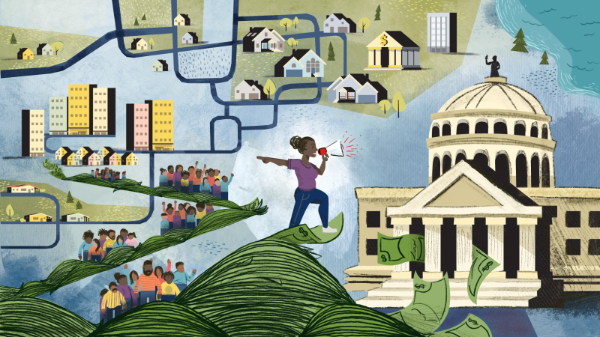
Ambitious Goals to Transform Health in Our Lifetime
Julie Morita, MD, executive vice president of RWJF, shares how her family’s experience of state-sanctioned racism and their search for community solidified her commitment to transform opportunities for health within our lifetime.
Research
A Policy Agenda for a Healthier, More Equitable New Jersey
2-min read
Achieving Health Equity
Through Our Grantees
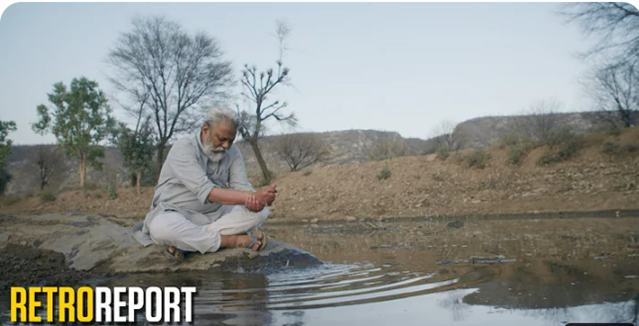
The Gift of Water: How Communities Are Sharing Traditional Techniques to Combat Drought
From India to Arizona, communities are collecting rainwater to build resilience to drought and maintain community health.
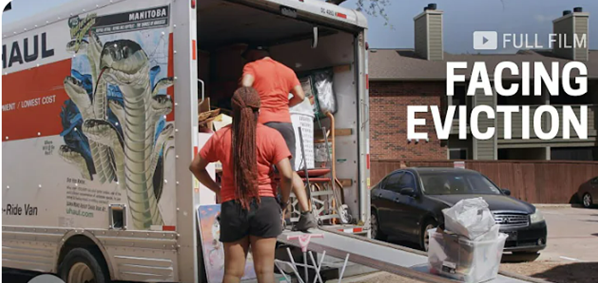
Confronting Eviction to Advance Housing Justice
Partially funded by the Robert Wood Johnson Foundation, this powerful documentary provides an inside look at the affordable housing crisis.

In Santa Monica, Challenging the Status Quo Helps with COVID-19 Response
1-min read
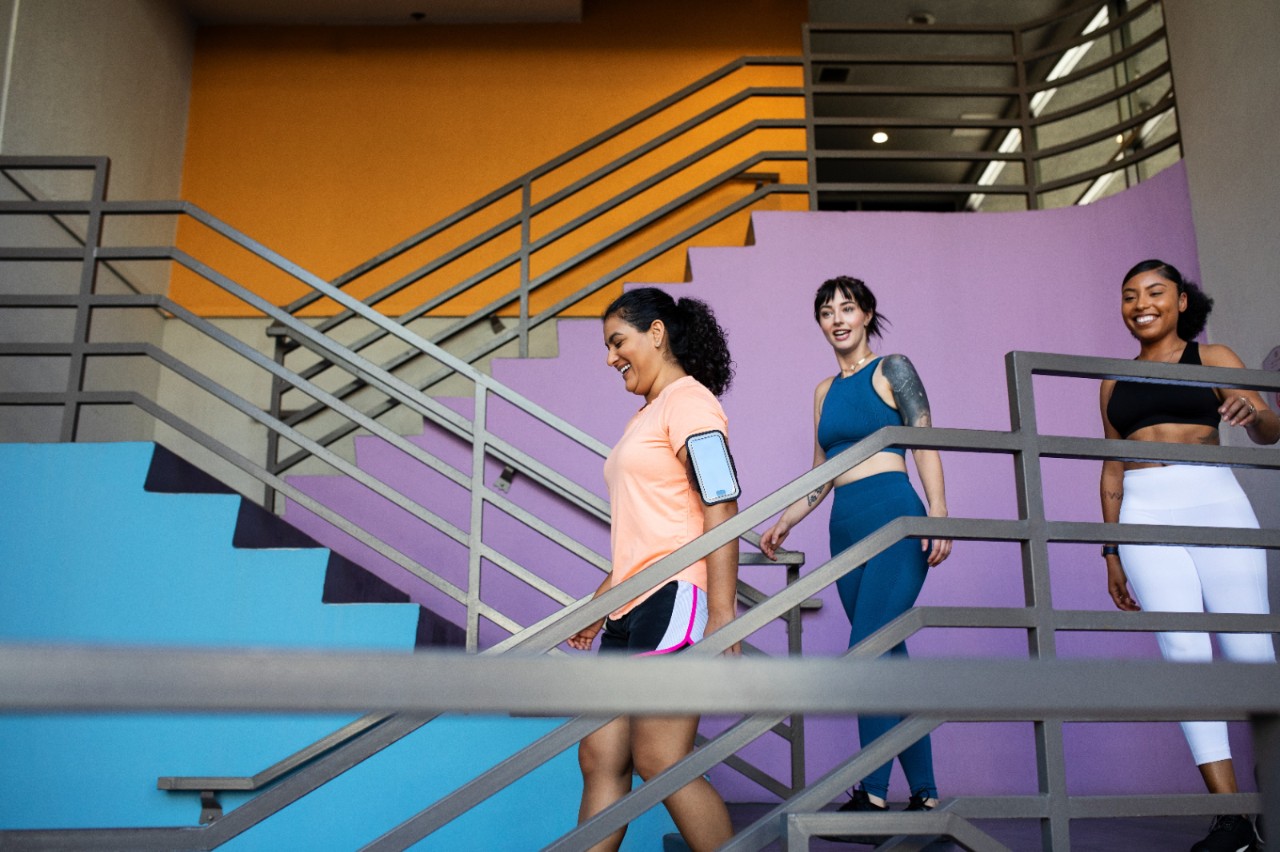
RWJF Culture of Health Prize
9-min read

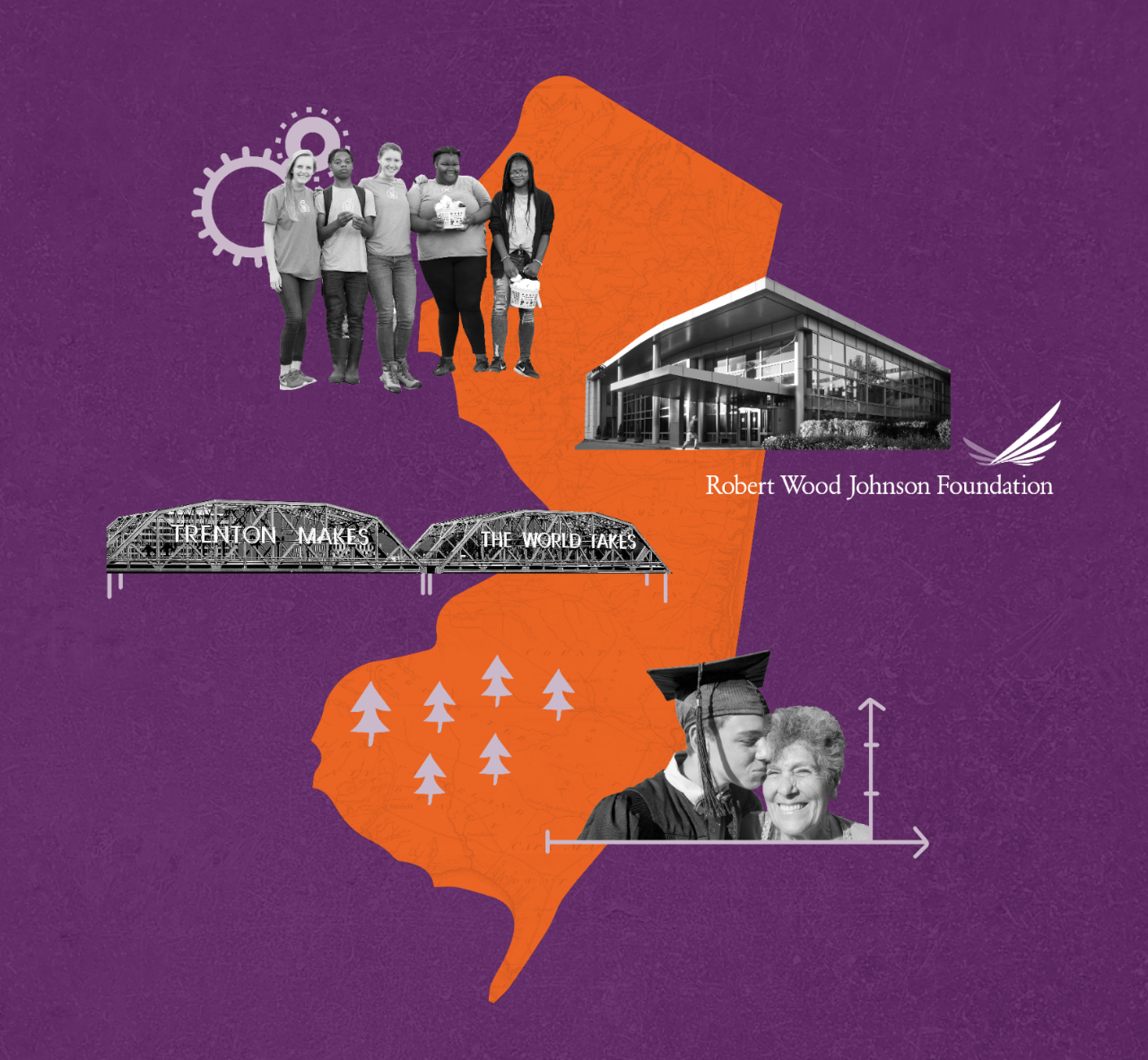
A Healthier, More Equitable New Jersey
In our own backyard, there is a lot to be proud of when it comes to health—but there also are wide, persistent gaps in health across the state of New Jersey. We redouble our commitment to improving health and advancing health equity for all in New Jersey and beyond.